Simple & Straightforward
How Photo Restoration Works
We’ve kept the process as simple as possible, whichever way suits you best — from a phone, a laptop, or by post.
1. Send us your photograph
Upload a clear photo or scan through our Upload page from your phone, tablet or computer — or post the original print to our Belper studio. See our scanning tips for the best results if you’re using a scanner.
2. We look at your photo
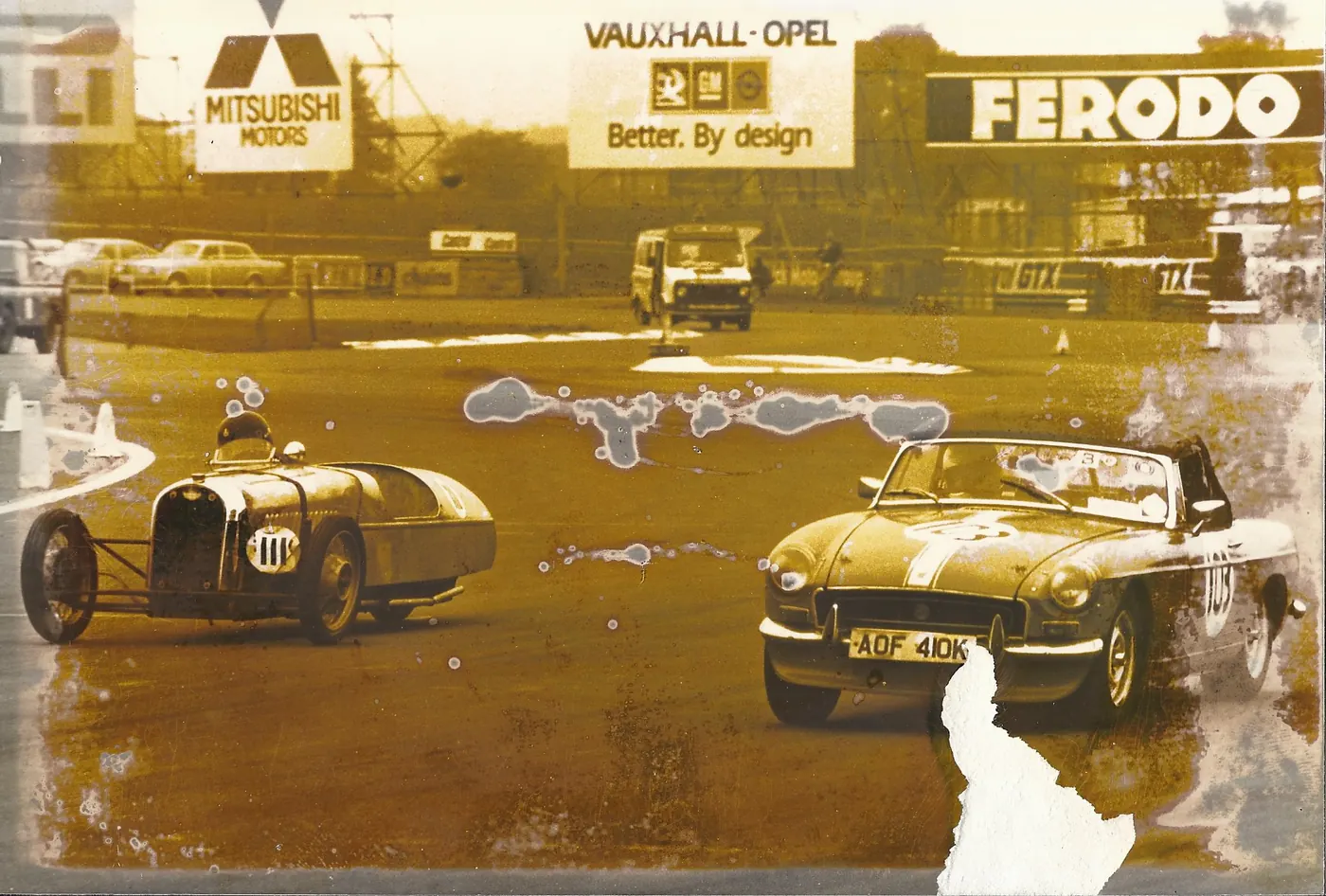
Merv personally examines your photograph and the type of damage involved — tears, fading, water damage, or missing sections.
3. You receive a free, no-obligation quote
We will never start work without your approval. You’ll receive a clear price from our price list and a time estimate first.
4. Careful, hand-done restoration
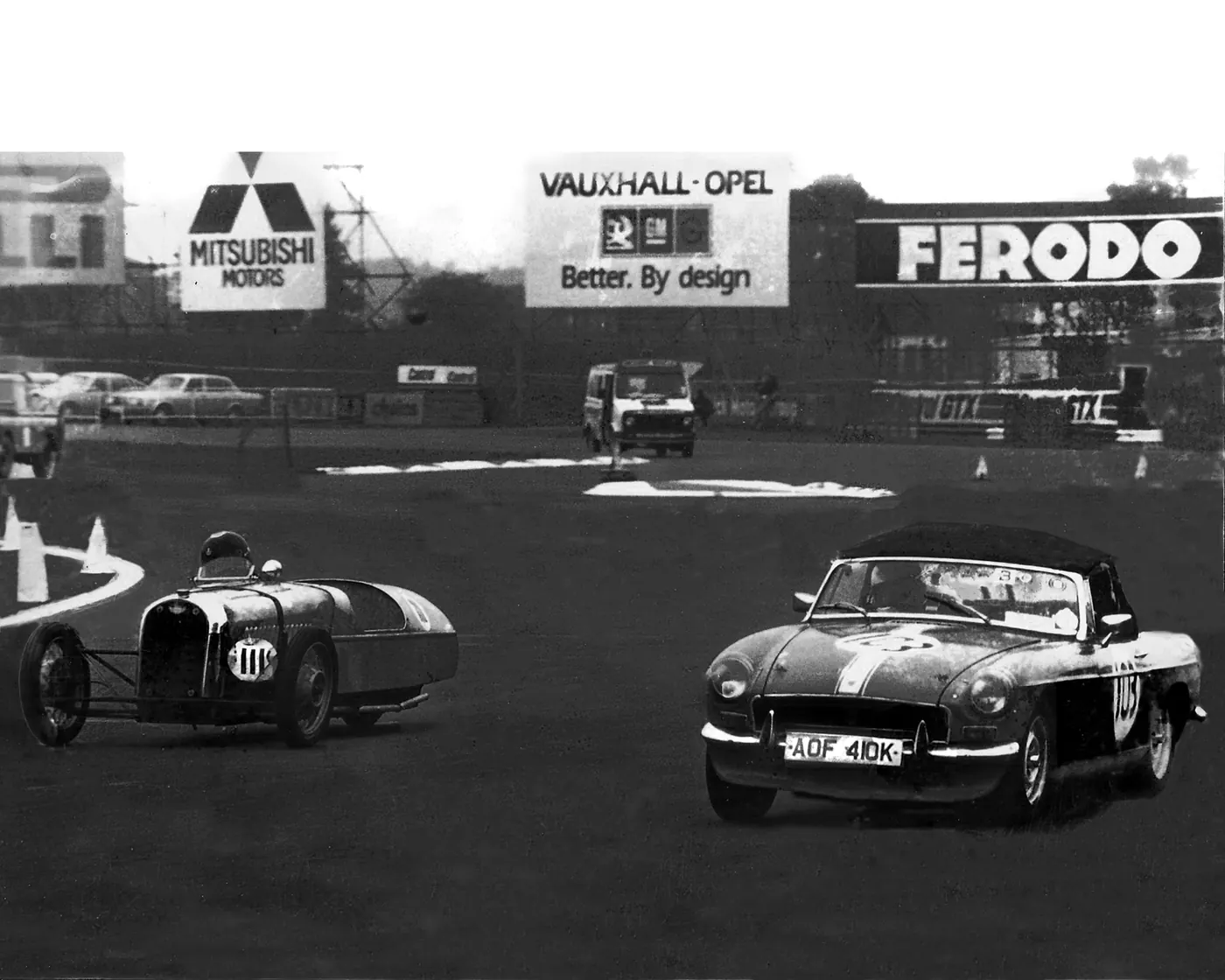
Once approved, your photograph is painstakingly restored by hand in Adobe Photoshop and Lightroom — never by AI.
5. You review a proof
We send you a proof of the finished restoration to check you are happy with the result.
6. Receive your photo — digital, print, or both
Choose a downloadable digital file, a high-quality print from a professional photo lab, or both. Original prints are returned by Royal Mail Special Delivery.
Other Ways to Send Your Photo
By Post
Place your photo in a cardboard-backed envelope marked “DO NOT BEND” and post to Merv Spencer Photography, 36 Morrell Wood Drive, Belper, Derbyshire, DE56 1PZ. We recommend Royal Mail Special Delivery.
In Person
Drop your photograph off in Belper — please call 07970 187728 or WhatsApp us first to arrange a convenient time.
By Email or Cloud Transfer
For files under 20MB, email us directly at hello@photorestorationservices.co.uk. For larger files, use WeTransfer, Dropbox or iCloud to the same address.